
Microsoft Copilot Studio – Building Intelligent Assistants
Course Code: CLATECH6617
No Upcoming Events
No upcoming Scheduled Courses. Contact us for information on booking a private course or join the waiting list for a public event.
Contact Us
Create, Customise, and Extend AI-Powered Conversational Copilots for Your Organization
Descriptions
Who is this course for
Technical staff that are looking to use the Copilot platform to develop their own interactive chat bots and virtual assistants.
Purpose of the course
This is an intensive, instructor-led workshop designed to equip participants with the skills to develop advanced conversational assistants using Microsoft Copilot Studio.
Benefits for you as an individual
You'll gain a deep understanding of Microsoft Copilot Studio, along with the skills to design and develop powerful copilots from scratch—unlocking new efficiencies and potential in your career.
Benefits for your organisation
While many AI tools offer generalized capabilities, this course equips your team to create customized copilots tailored to your specific business needs—ensuring that AI truly works for you.
Prerequisites
A good technical understanding of Microsoft 365 Products.
Introduction to Copilot Studio
- Overview of Copilot Studio and its capabilities.
- Understanding the role of conversational AI in modern applications.
- Setting up the development environment.
Building an Initial Copilot
- Creating a basic copilot using Copilot Studio.
- Introduction to the dialog manager and large language models.
- Configuring initial settings and deploying the copilot.
Managing Topics
- Understanding topics, trigger phrases, and conversation paths.
- Creating and managing topics for different scenarios.
- Best practices for designing effective conversation flows.
Working with Entities and Variables
- Introduction to entities and variables in Copilot Studio.
- Using entities to capture and process user inputs.
- Managing variables to maintain context within conversations.
Integrating Data Sources
- Connecting Copilot Studio with various data sources.
- Using Microsoft Dataverse and other connectors.
- Practical examples of data integration for enhanced functionality.
Enhancing Copilots with Generative AI
- Leveraging generative AI to improve copilot responses.
- Using Power Automate to add actions and workflows.
Get Started
Forget trawling through endless course catalogues – Find the training that’s right for you
Learn MoreLatest News from Quanta
New Webinar: The AI Turning Point. Are We Ready to Lead?
The AI Turning Point: Are We Ready to Lead? AI is everywhere – this isn’t news. BUT the mass adoption…
Read More
Just Launched: ITIL® AI Governance
Quanta is very excited to be launching the ITIL AI Governance module with our partners at PeopleCert! ITIL AI Governance…
Read More
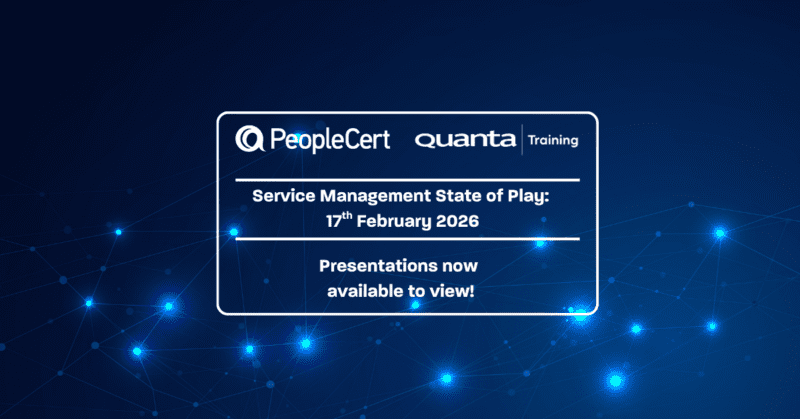
Service Management State of Play: All talks available to watch now.
Following the recent Service Management State of Play event in collaboration with PeopleCert, we are pleased to share the presentations…
Read More